
You can create a Slack application and use it for report distribution.
After you create the Slack app, create a Slack Distributor in Reportworq.
Create a Slack App#
To create a Slack app:
- Navigate to the following URL and select the Create New App button. https://api.slack.com/apps
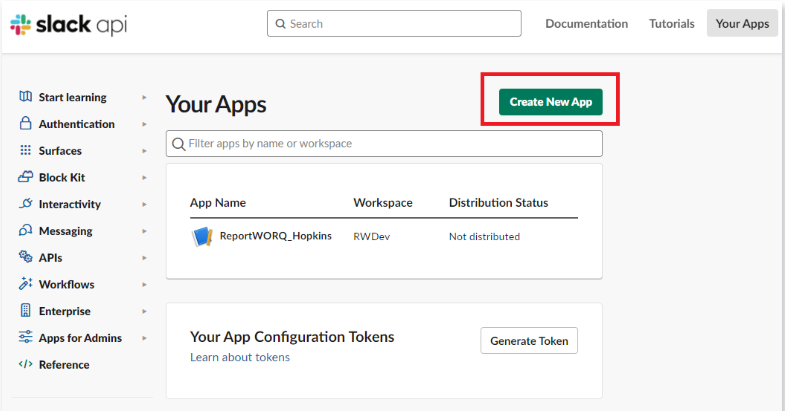
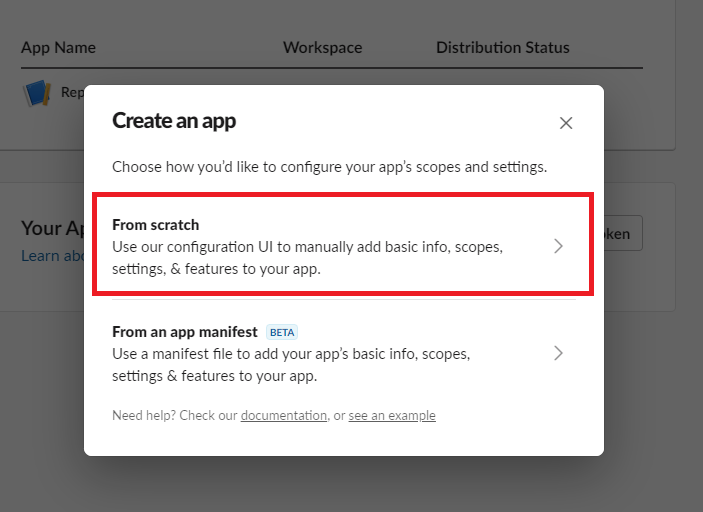
- In the popup dialog, select the From scratch option.
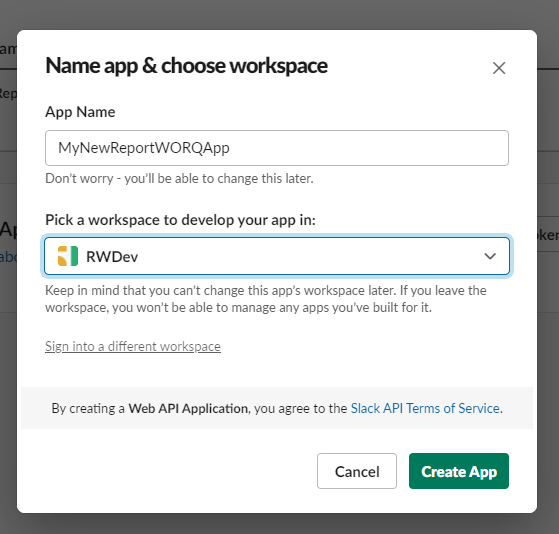
- Provide a name for the new App and select the Slack workspace for report distribution.
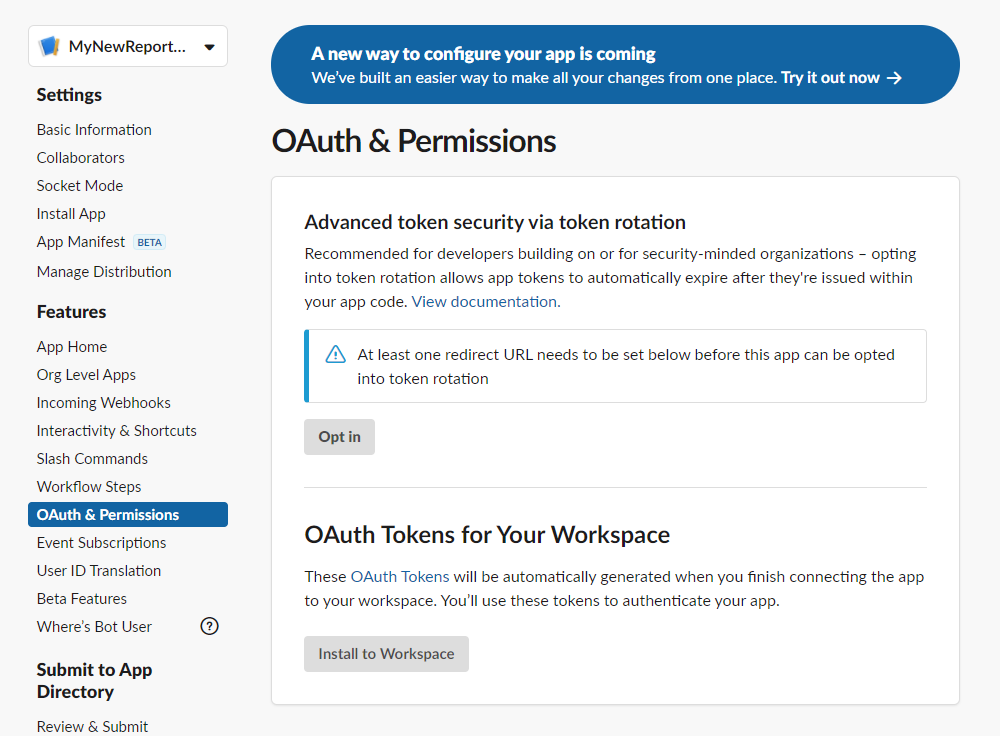
- On the App Management screen, select the OAuth & Permissions section.
- In the Bot Token Scopes section, select the Add an OAuth Scope button.
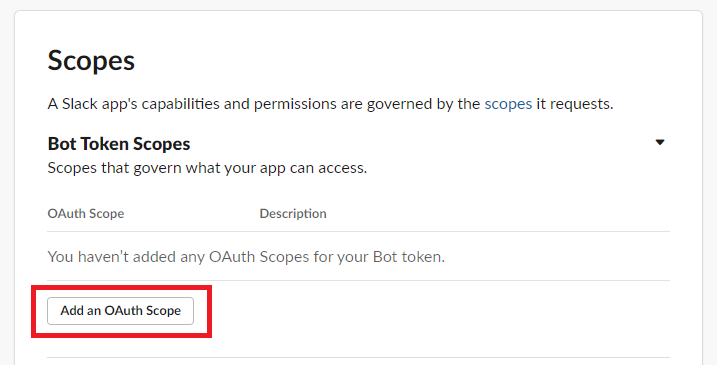
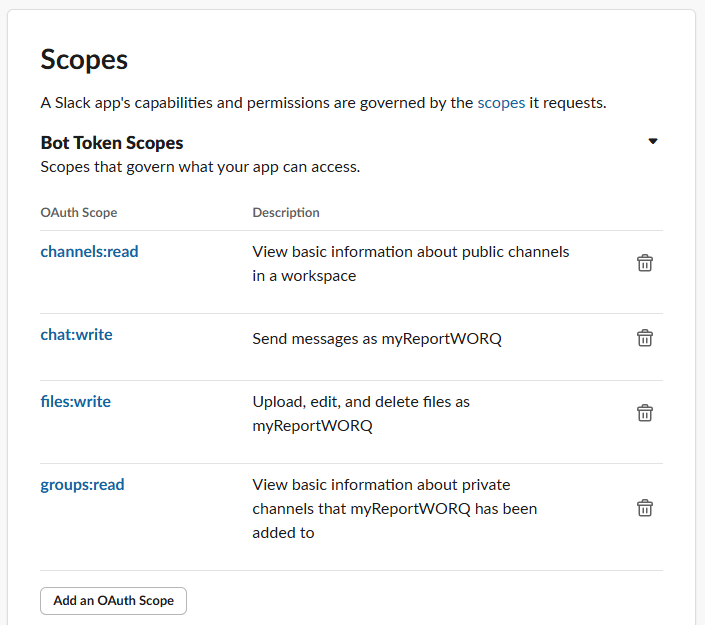
- Add the following Bot Token Scopes:
- chat:write -- required for report distribution
- files:write -- required for report distribution
- channels:read -- required to search for a channel by name
- groups:read -- required to search for a channel by name
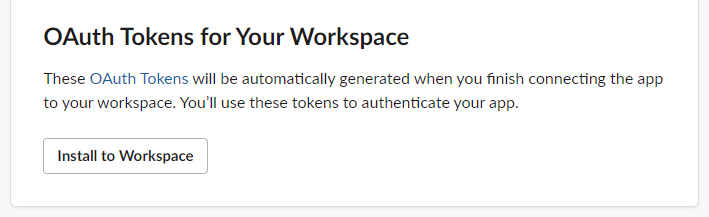
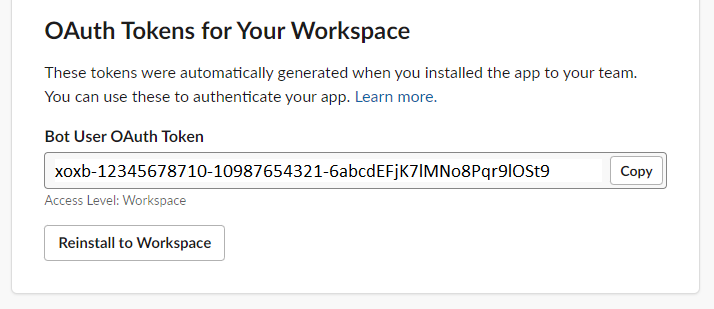
- Scroll to the OAuth Tokens for Your Workspace section and select Install to Workspace.
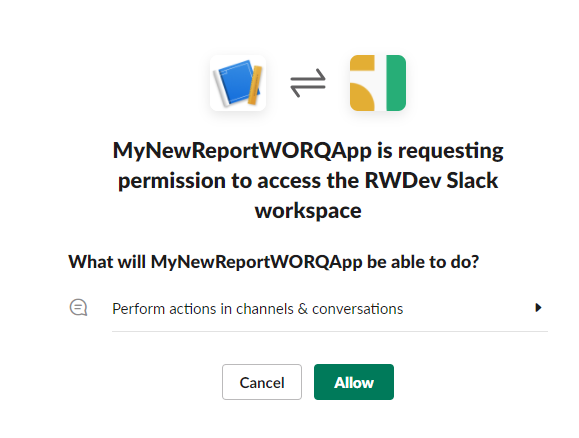
- When prompted for permission, select the Allow button.
- From the OAuth & Permissions screen, copy the Bot User OAuth Token and record it for future use. You will need this token to configure the Slack Distributor in Reportworq.
Workspace Installation#
To perform a workspace installation:
- Open the related workspace where the OAuth token was installed and click on the Channel to which reports will be distributed.
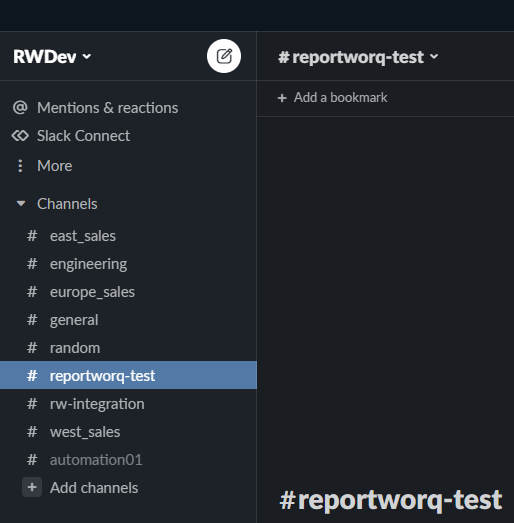
- Open the Channel information screen by clicking the name of the Channel at the top of the screen and then select the Integrations tab.
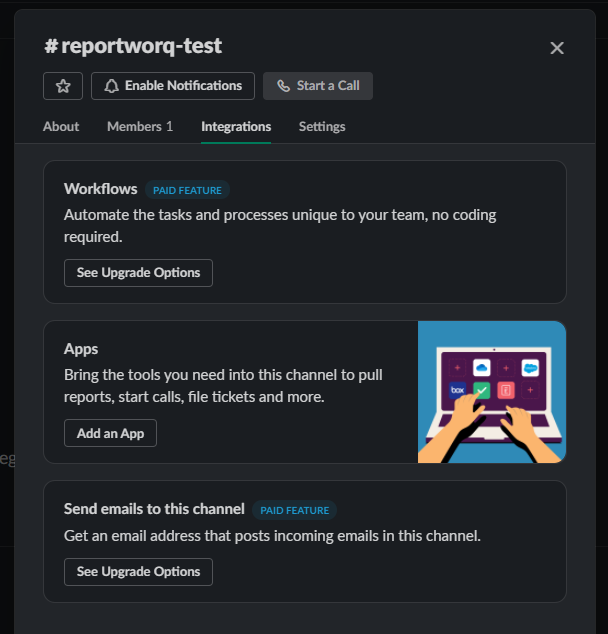
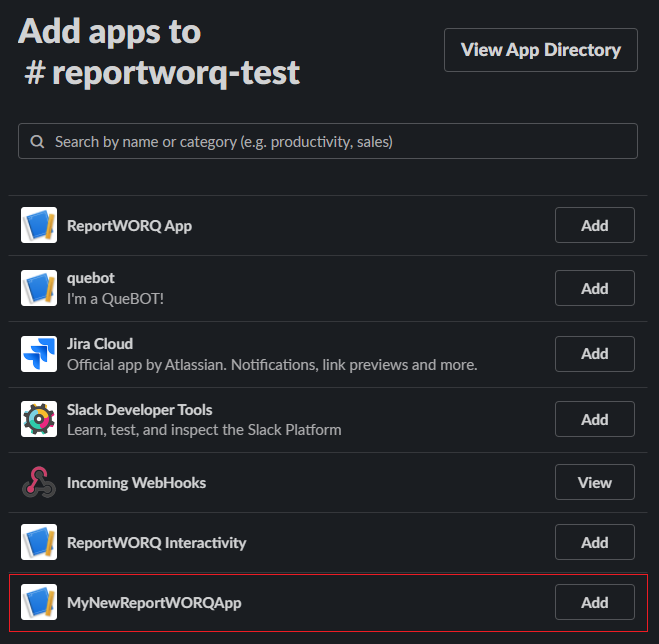
- Click the Add an App button to add the newly created App.
Feedback on this page
Comments, questions, requests, or something missing or unclear? Email us - the page you are on is filled in for you.
Email feedback on this pageOr write to support@reportworq.com directly.