
Overview#
The Reportworq add-in for Microsoft Office provides additional features to the following applications:
- Excel -- The add-in enables users to author reports for Distribution Jobs, or to easily create input ranges, data validations, and other features in Contribution templates.
- PowerPoint -- The add-in enables Reportworq administrators to create PowerPoint presentations containing data linked to Reportworq Distribution Jobs. Presentations are distributed to end users who see only data that is relevant to them. Depending on their permissions, end users may be able to refresh the presentation to show data from previous times the underlying report ran or run the report to retrieve the latest data.
Microsoft Office applications do not include the Reportworq add-in by default. After the add-in is installed, compatible Office applications include a Reportworq tab.
For users of Excel 2016, and for Office 365 users who do not have Internet access and permissions to install add-ins, the add-in must be deployed by a Microsoft Administrator.
Deployment is not required for users who have both Office 365 and permissions to install add-ins. They can easily install it themselves.
To deploy the add-in:
- In a web browser, navigate to http://admin.microsoft.com
- Navigate to Settings > Integrated apps, and then select Add-ins.
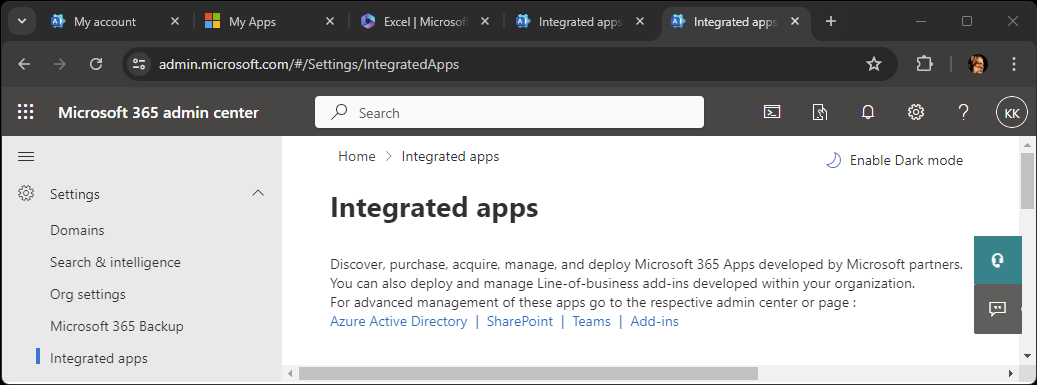
- Select Deploy Add-In.
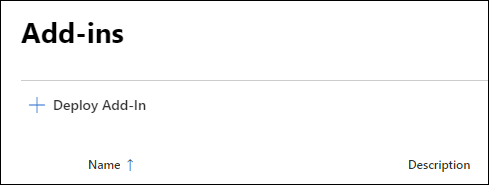
- Select Next.
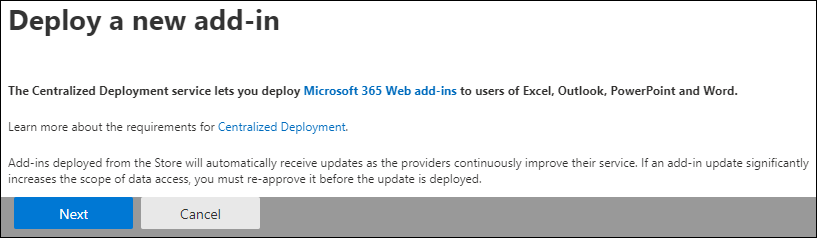
- Select Choose from the Store.
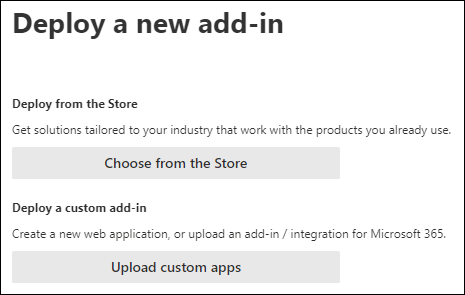
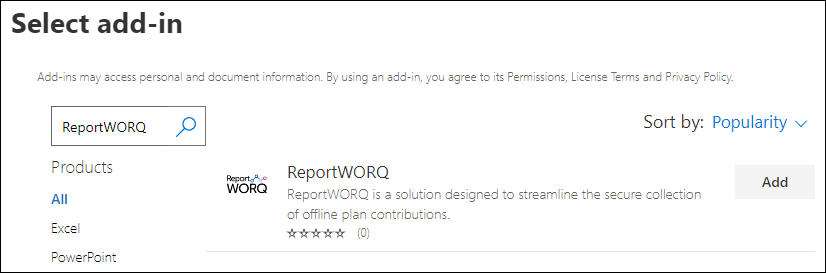
- Use the Search box to find the Reportworq add-in, and then select Add.
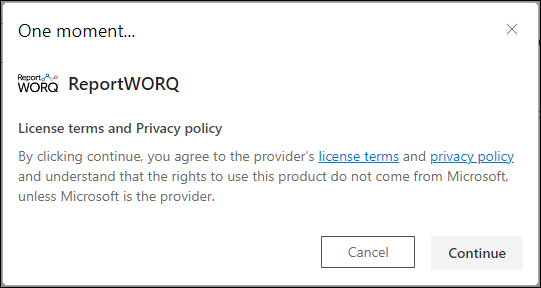
- When prompted about License terms and Privacy Policy, select Continue.
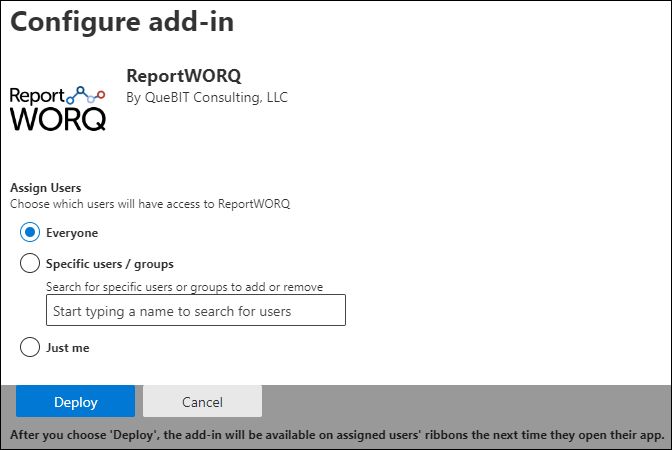
- Specify which users will have access to the add-in, and then select Deploy. Tip: You can deploy to one user initially, and then after testing the deployment later in this procedure you can select additional users.
- Optionally, you can test the deployment. After testing, select Next.
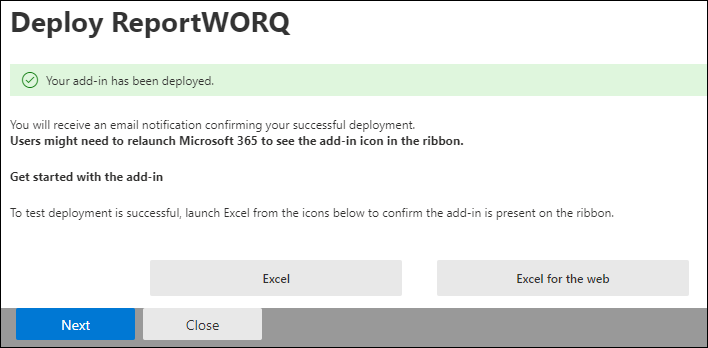
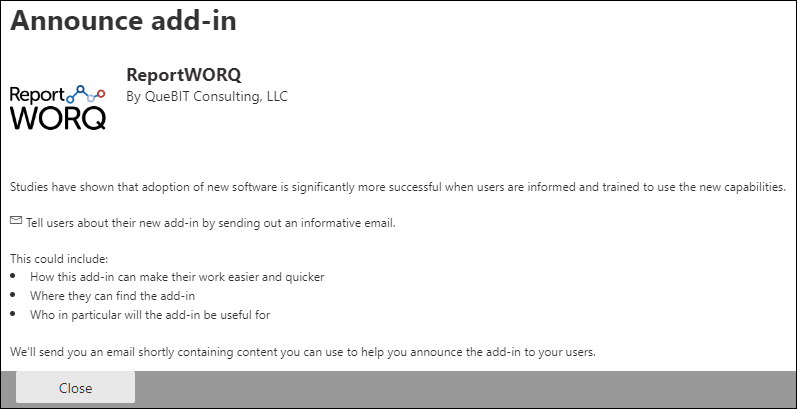
- Review Microsoft's suggestions about announcing the add-in, and then select Close
Feedback on this page
Comments, questions, requests, or something missing or unclear? Email us - the page you are on is filled in for you.
Email feedback on this pageOr write to support@reportworq.com directly.