
Distributors:#
Configuration#
Reports can be distributed to Planning Analytics TM1 application folders.
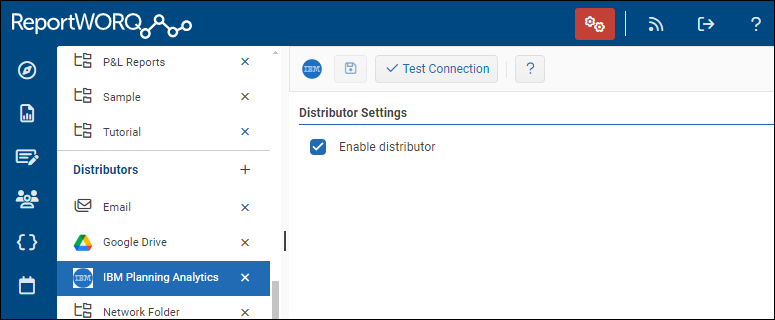
To configure distribution, add the IBM Planning Analytics Distributor, enable it, and save it. There are no additional settings for this distributor.
When you set Distribution Options for a job, you select the IBM Planning Analytics Distributor and provide an Application Folder path with a forward slash as the path delimiter, e.g. Folder/sub-folder. Variables can be used to create a dynamic path, and if the folder doesn't exist in Planning Analytics, it will be created.
Feedback on this page
Comments, questions, requests, or something missing or unclear? Email us - the page you are on is filled in for you.
Email feedback on this pageOr write to support@reportworq.com directly.