
Report Providers:#
Overview#
The IBM Planning Analytics Report Provider enables users to select source reports from the Application Folders section of any available Planning Analytics connection.
Configuration#
To add an IBM Planning Analytics Report Provider to the list of available providers, Reportworq administrators open the Administration screen then click the '+' button beside Report Providers, and select the IBM Planning Analytics option. There is no more information to configure, just by adding it to the list of report providers the application folders for each of the enabled IBM Planning Analytics will be available to the user.
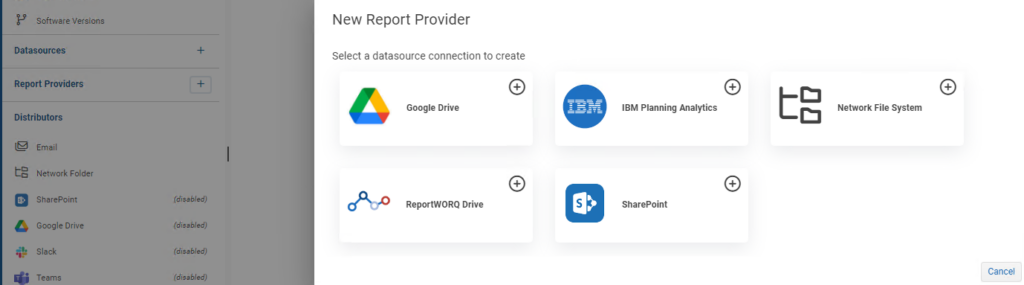
The required configuration sidebar opens on the right-hand side of the page:
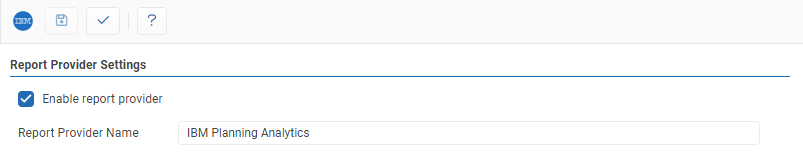
- Test: Clicking the '✓' button will either display a success message or show error messages with further information on missing or misconfigured settings.
- Save: the 'Save' saves button changes made to the provider.
- IBM Planning Analytics Report Provider can be enabled or disabled by clicking the checkbox.
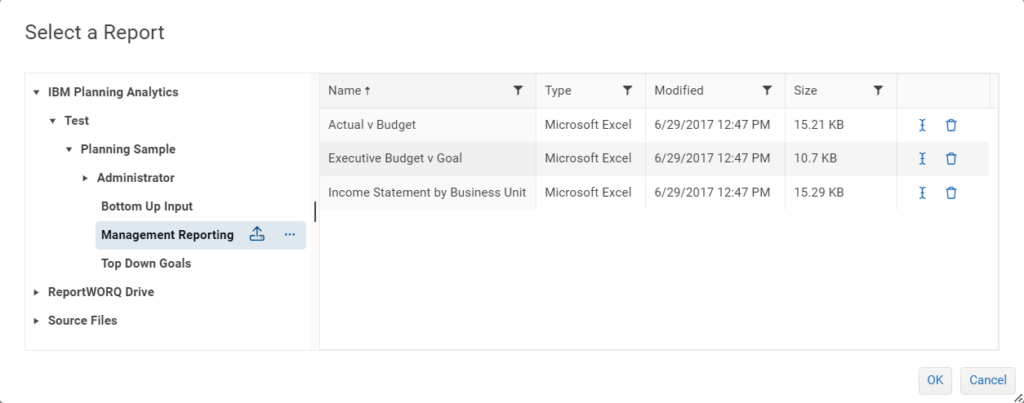
Once the IBM Planning Analytics Report Provider has been enabled, when a user selects a report for a job there will be an IBM Planning Analytics section where the user can upload and select source reports.
Feedback on this page
Comments, questions, requests, or something missing or unclear? Email us - the page you are on is filled in for you.
Email feedback on this pageOr write to support@reportworq.com directly.